
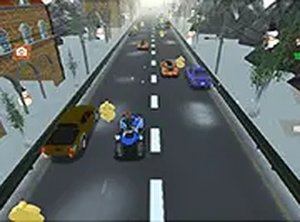
Quad ATV Traffic Racer
Simple controls and realistic physics make this a solid arcade racer. Great for quick sessions.
Russian Taz Driving Online Driving Game puts you behind the wheel of authentic Russian vehicles. The core objective is to drive these realistic cars in a 3D environment, experiencing the feel of extreme driving. What makes this game unique is its focus on Russian automotive culture, offering a genuine taste of driving vehicles that are distinct from typical racing games. Whether you want to practice your driving skills or simply enjoy the thrill of the road, this free online simulation provides a straightforward and engaging experience.
Players typically use their keyboard to control the vehicle. Arrow keys or WASD keys are used for acceleration, braking, and steering. To begin, you select a car from the available options. Once on the road, you can press a record button to save your driving session for later review. During the drive, you can switch between multiple camera views to see the road or your car from different angles. The game runs directly in your browser and includes a full screen mode for a more immersive view. Controls are simple and responsive, making it easy for anyone to start driving right away.
Realistic Russian cars with authentic designs are a key feature. The game offers a 3D driving environment. Players can record and replay their driving sessions to track progress. Multiple camera views let you choose your preferred perspective. Full screen mode provides a more engaging experience. The game is free to play online with no downloads required, and it works best on desktop with a keyboard or mouse.
Practice regularly to get a feel for how each car handles. Use the recording feature to review your driving and identify areas for improvement. Experiment with different camera views to find the perspective that helps you drive best. Pay attention to the road and anticipate turns to maintain control. Since the game is about realistic driving, smooth inputs on the keyboard will lead to better handling. Take your time to learn the unique characteristics of each vehicle.
Simple controls and realistic physics make this a solid arcade racer. Great for quick sessions.
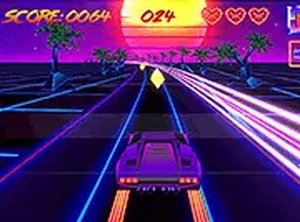
Relaxing synthwave visuals and smooth controls. A nice way to pass time.
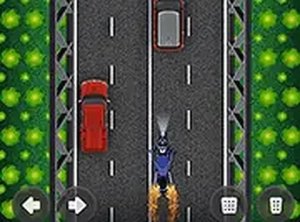
Simple controls and endless highway action. Great for quick gaming breaks.
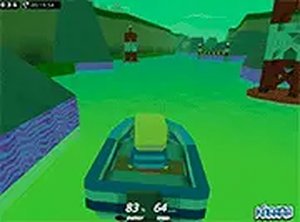
Simple boat racing with tricky acid obstacles. Good for quick fun.
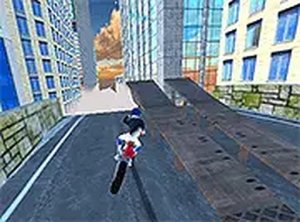
Smooth controls and fun upgrades. Great for quick gaming sessions with friends.
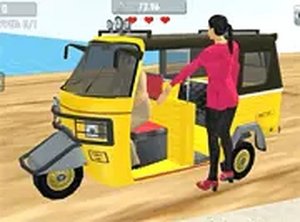
Simple controls and fun obstacles make this a great pick for quick driving fun. Upgrade system adds motivation.
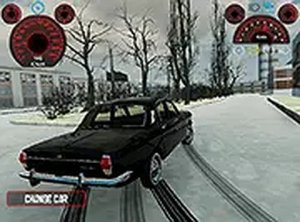
Realistic cars and simple controls make this a solid driving game for practice and fun.
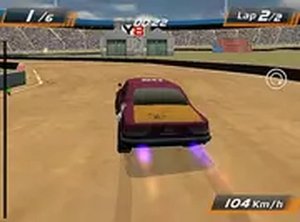
Simple controls and fun multiplayer races. Great for quick gaming sessions.