

Sky Challenge 2017: Air Battle
Sky Challenge 2017 delivers fast aerial action with simple controls and a rewarding scoring system.
Fencing Duel: Two Player Arcade is a competitive arcade game designed for two players on a single desktop. The game recreates the core experience of a fencing match, where each participant controls a fencer and attempts to outscore the opponent. The primary objective is to land touches on the rival while avoiding incoming strikes. Each player begins with a set number of lives, and the match continues until one player loses all lives or a time limit expires. The player with the higher score at the end wins. This game emphasizes quick reflexes, strategic timing, and the ability to read an opponent's movements. It provides a family-friendly experience suitable for players of various ages, offering a quick and engaging challenge that sharpens decision-making skills.
Each player uses a keyboard to control their fencer. The basic actions include moving the fencer and performing strikes. Players can also crouch to avoid high strikes. A key defensive technique is the parry, which involves timing a strike to block an incoming attack. The game rewards players who can anticipate their opponent's actions and respond quickly. Matches are typically fast, requiring constant attention and adaptation. The controls are designed to be easy to learn, allowing new players to start quickly, while the depth of strategy provides a challenge for more experienced players.
Features include a dedicated two-player dueling mode that allows head-to-head competition on a single desktop. Each player has a set number of lives, adding a layer of strategy to each match. The game includes crouch and parry mechanics, which provide depth to the defensive options available. Keyboard controls offer precise input for movement and actions. A full-screen mode is available for an immersive experience. The game is free to play on desktop platforms, offering a quick and engaging challenge that tests reflexes and decision-making.
Practice timing your parries to effectively block incoming strikes. Watch your opponent's movements closely to anticipate their next action. Use crouching strategically to avoid high strikes and create openings. Patience is important; wait for the right moment to launch your own strikes. Regular practice will help improve your reflexes and overall performance in matches.
Sky Challenge 2017 delivers fast aerial action with simple controls and a rewarding scoring system.
Fast-paced survival action with strategic upgrades and a thrilling final boss fight.
A charming roguelike adventure with a beautiful garden setting and family-friendly gameplay that is easy to learn.
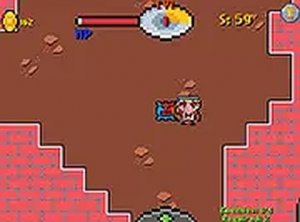
A free browser roguelite with procedural dungeons, creature battles, and rewarding character progression. Highly replayable.
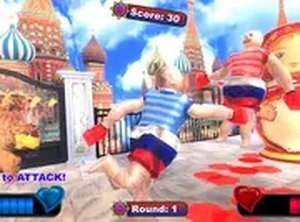
Wobbly Brawlers offers hilarious, physics-based boxing fun that is easy to pick up and enjoy with friends.
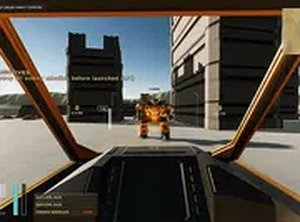
A strategic mech combat game that rewards careful planning and resource management. Great for fans of tactical action.
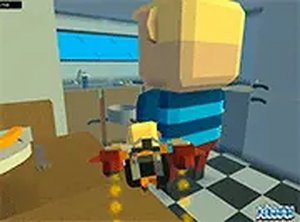
A cheerful, fast-paced star collection game with vehicles and multiplayer fun for all ages.
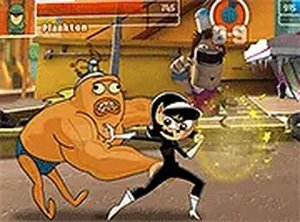
Super Showdown Action Brawl offers a large roster of unique fighters with improved movesets, all for free in your browser.