
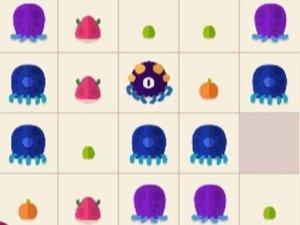
Creature Merge Puzzle
A relaxing and strategic merge puzzle with colorful creatures and no time pressure. Perfect for family fun.
Wolf Friends Forest Puzzle is a wholesome online game set in a bright, sunlit forest. The story follows a lonely wolf who is too kind to hunt and prefers eating mushrooms. One day, the wolf meets three little pigs, and an unexpected friendship begins. This game focuses on kindness, companionship, and gentle exploration. It is available for free directly in your browser without any downloads. Designed for desktop play, Wolf Friends Forest Puzzle offers a charming escape into a peaceful woodland world. The content is family-friendly and aligns with safe browsing standards, ensuring a worry-free gaming session for all ages.
To play Wolf Friends Forest Puzzle, use your keyboard and mouse on a desktop computer. The game is simple and intuitive, making it easy for beginners. Navigate the wolf through the forest, interact with the three little pigs, and explore the vibrant environment. Full-screen mode is available for a more immersive experience, accessible via the game interface. Since it is browser-based, you can start playing instantly without any setup. The controls are straightforward, focusing on exploration and light puzzle elements. No special skills are required, just a sense of adventure and a love for cute animal stories.
Game features include free access with no hidden costs. The game is family-friendly with no violent or inappropriate content. Full-screen mode enhances the visual experience. It is browser-based, requiring no downloads or installations. The game is optimized for desktop computers. The heartwarming story teaches kindness and friendship in a safe, fun setting.
Take your time exploring the forest to discover hidden areas and interact with the pigs. Since the game emphasizes gentle exploration, there is no rush to complete objectives. Pay attention to the story and character interactions, as they guide the experience. Practice using the mouse and keyboard controls to navigate smoothly. Enjoy the peaceful atmosphere and let the narrative unfold naturally.
A relaxing and strategic merge puzzle with colorful creatures and no time pressure. Perfect for family fun.

A delightful family puzzle adventure that rewards curiosity and careful observation with a captivating story.
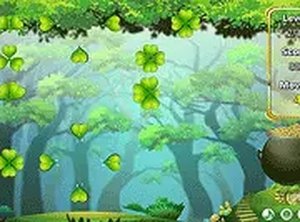
A relaxing puzzle game with simple mechanics and strategic depth. Great for all ages.
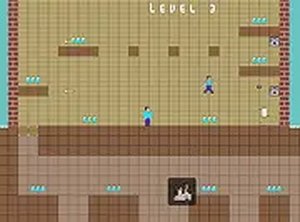
A fun, family-friendly puzzle game with teamwork and a gentle time challenge. Great for all ages.
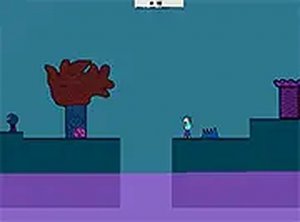
A charming puzzle adventure with increasing difficulty and smooth browser play. Perfect for all ages.
A charming roguelike that blends exploration with strategy in a vibrant, family-friendly garden setting.

A delightful puzzle adventure that uses water creatively to solve challenges. Perfect for families.

A cheerful match-3 game with a friendly jelly-spreading contest. Great for all ages.