
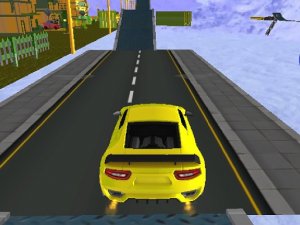
Sky Stunt Parking Simulator
A creative sky-themed parking simulator that rewards precision and offers a safe, fun experience for all ages.
Realistic Russian Car Driving Sim places you behind the wheel of authentic vehicles inspired by Russian automotive design. The core objective is to drive these realistic cars, experiencing the unique handling and feel of vehicles that differ from typical racing games. What makes this simulation distinct is its focus on realism over arcade-style action, offering a genuine taste of driving in a culture known for its robust and distinctive automobiles. Whether you want to practice your driving skills or simply enjoy the road, this free online simulation provides a straightforward and engaging experience. The game runs directly in your browser with no downloads required, making it accessible to anyone interested in exploring a different side of driving games. The 3D environment is designed to immerse you in the experience, with attention to detail that brings each vehicle to life.
Players typically use their keyboard to control the vehicle. Standard keys are used for acceleration, braking, and steering. To begin, you select a car from the available options. Once on the road, you can press a record button to save your driving session for later review. During the drive, you can switch between multiple camera views to see the road or your car from different angles. The game includes a full screen mode for a more immersive view. Controls are simple and responsive, making it easy for anyone to start driving right away. The simulation emphasizes smooth inputs for realistic handling, so gentle steering and gradual acceleration are recommended.
Realistic cars with authentic designs are a key feature. The game offers a 3D driving environment. Players can record and replay their driving sessions to track progress. Multiple camera views let you choose your preferred perspective. Full screen mode provides a more engaging experience. The game is free to play online with no downloads required, and it works best on desktop with a keyboard or mouse. The simulation focuses on realistic driving physics rather than arcade-style gameplay, giving each vehicle a distinct feel on the road.
Practice regularly to get a feel for how each car handles. Use the recording feature to review your driving and identify areas for improvement. Experiment with different camera views to find the perspective that helps you drive best. Pay attention to the road and anticipate turns to maintain control. Since the game is about realistic driving, smooth inputs on the keyboard will lead to better handling. Take your time to learn the unique characteristics of each vehicle.
A creative sky-themed parking simulator that rewards precision and offers a safe, fun experience for all ages.
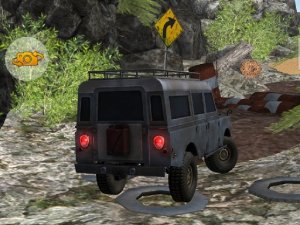
Realistic offroad driving with smooth physics and challenging forest trails. Great for family fun.

A gentle, educational game that teaches ear hygiene through positive play. Perfect for young children.
Highway Motorcycle Arcade Ride offers simple, addictive arcade racing with increasing traffic difficulty and no downloads needed.
A delightful browser racing game with cute puppies, multiple tracks, and easy controls. Perfect for quick fun.
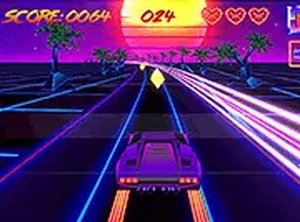
Sunset Drive Arcade Racer offers a relaxing, visually stunning racing experience with simple controls and addictive coin collecting.
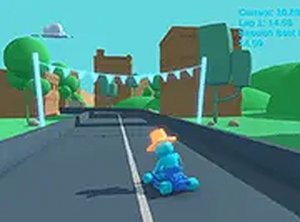
A clean, free 3D kart racer that challenges you to beat your own best lap time.
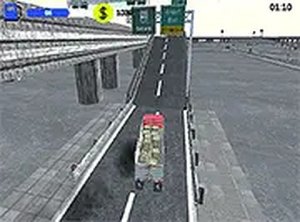
A realistic trucking simulation with dynamic weather and satisfying upgrades. Great for driving game fans.